Calibrate the BVDR 2.0 with your own
Tachograph Programmer TCP550/CD400
A customer pulls into your workshop with a BVDR 2.0 — and you can't serve them?
Subscribe to the CD400 Android app and stop losing business to the competition. Program the parameters through the front connector — no need to open the tachograph.
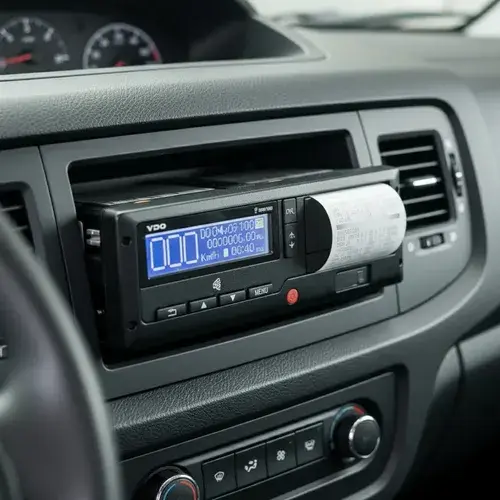
What you need
Four things.
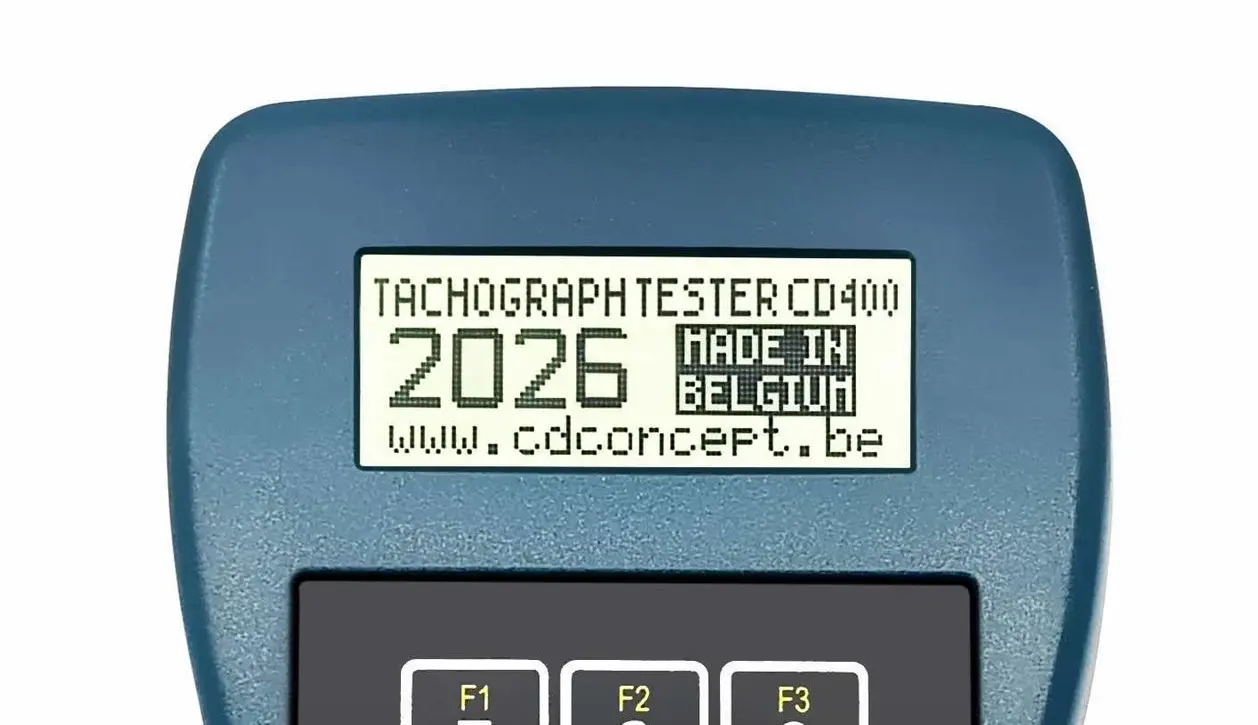
1.CD400/TCP550 firmware released in 2020 or later
Upon powering on, the firmware year is displayed on the screen (refer to the image on the left)
Any CD400/TCP550 on the market can be updated except (TCP550 V1.0)
If your device is using an earlier version, you should buy the TCP550/CD400 Firmware update.
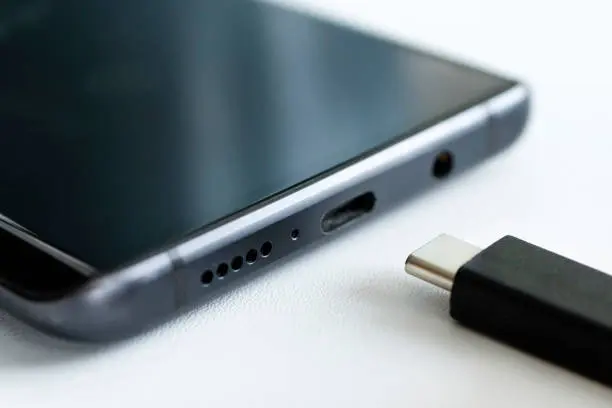
2.CD400/TCP550 with Embedded Bluetooth or
with update cable and USB-C adaptor
for communication with the CD400 App.
For USB update cable, find a USB-C to USB adapter
For RS232 update cable, find a USB-C to RS232 adapter
We don't sell those items.

4.Get Workshop Mode credits
required to calibrate activated BVDR 2.0
You can try the solution once without needing to buy any credits!


3.Android App CD400
Subscribe to Android App CD400